
Before FinTS/XS2A bank connections can be created, two one-off steps are required: activating the module and setting up finAPI access for the client (tenant).
Activating the FinTS/XS2A module
The FinTS/XS2A area is only available if the FinTS/XS2A module is activated for the client. If the module is not active, the finTS/XS2A menu item under Master data is not displayed. Modules are managed in the administration area; for further information see the article Modules.
Setting up finAPI access
Technically, FinTS/XS2A is handled via finAPI. For this, finAPI access must be set up once for the client. This step is carried out by an administrator on the administration home page (reachable via the gear icon at the top right). The set up FinTS / XS2A permission is required for this.
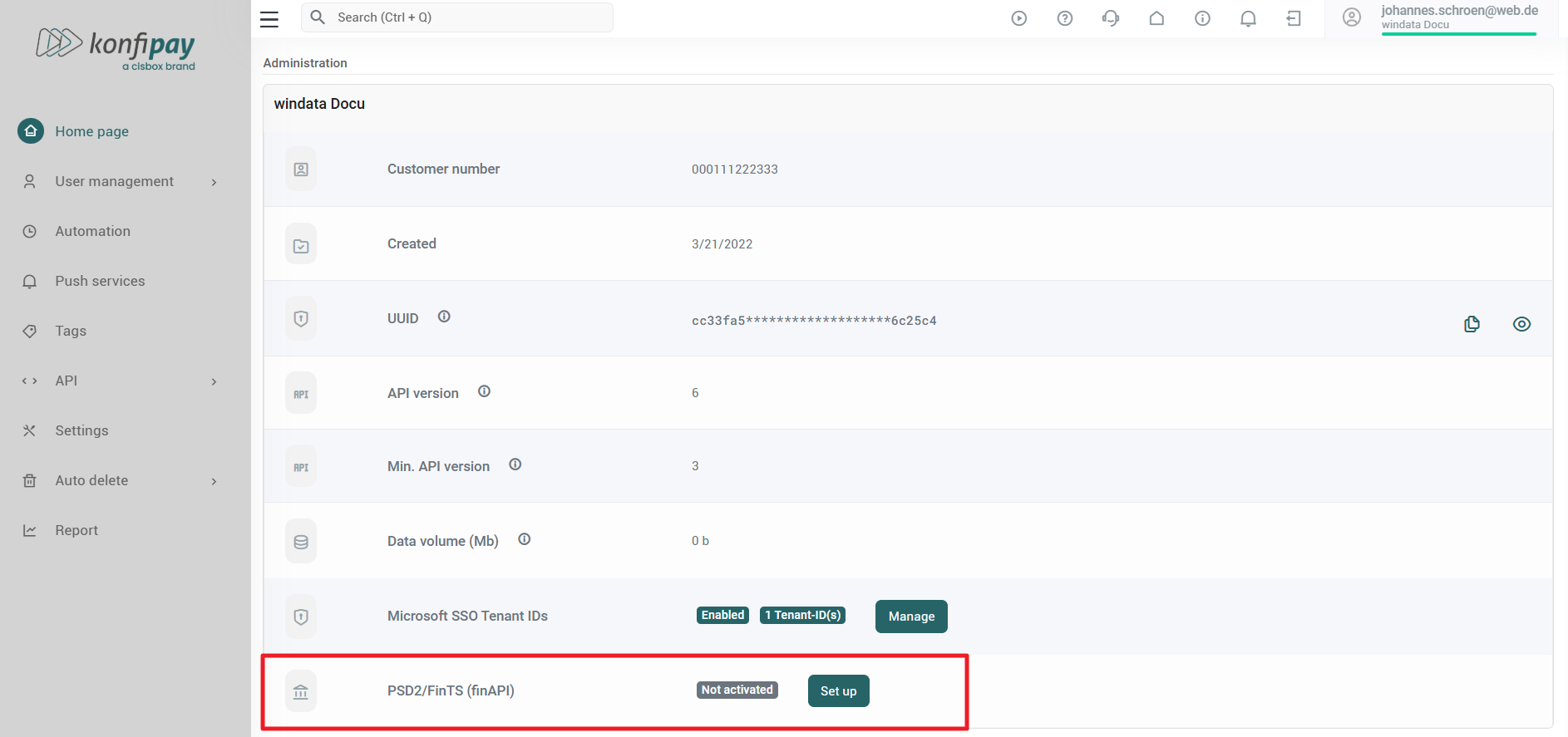
The FinTS / XS2A (finAPI) row shows the current state:
-
If access has not yet been set up, the marker "Not activated" is displayed together with the
Set upbutton. A click onSet upsets up finAPI access; during this the message "Setting up” appears. -
If access already exists, the marker "Activated" is displayed.
After successful setup, konfipay reports "Successfully set up" (or "Already set up" if the access already existed). Bank connections can then be created under Master data > finTS/XS2A (see Add a FinTS/XS2A bank connection).